


Building a website used to mean hiring a developer or learning complex coding languages. Today, a free website builder makes it possible for almost anyone to create a website with minimal effort and zero upfront cost. These tools are especially popular among beginners, startups, and small businesses looking to establish an online presence quickly.
However, not all free website builders are equal. Some are great for testing ideas, while others can support real growth when used correctly — especially WordPress-based builders. In this guide, we’ll explain how free website builders work, which platforms are worth trying, and when a free solution makes sense versus professional web development.
What Is a Free Website Builder?
A free website builder is a platform or tool that allows users to create and publish a website without paying for hosting or development upfront. Most free website builders combine several services into one package, including:
- A visual website editor
- Pre-designed templates
- Free hosting
- A platform-branded subdomain
These builders are designed for ease of use. You don’t need technical skills, coding knowledge, or experience with servers. Everything is handled through a browser-based interface.
While free website builders are convenient, they usually come with limitations related to customization, branding, SEO control, and scalability — which becomes important as your website grows.
How Does a Free Website Builder Work? (With Real Platforms)
Using a free website builder typically starts with creating an account on a platform that offers a free plan. Many well-known website platforms provide this option to help users get started quickly.
Some popular platforms that offer free website builder accounts include:
- WordPress.com – https://wordpress.com
- Wix – https://www.wix.com
- GoDaddy Website Builder – https://www.godaddy.com/websites/website-builder
Here’s how the process works step by step:
1. Create a Free Account
You sign up using your email address on the chosen platform. No payment information is required for free plans.
2. Select a Template or Starter Site
Most free website builders offer templates designed for different purposes such as business websites, blogs, portfolios, or landing pages. These templates provide a basic structure that you can customize.
3. Customize Your Website Visually
Using a drag-and-drop editor, you can:
- Edit text and images
- Add sections like services, testimonials, or contact forms
- Rearrange layouts visually
- This makes website creation accessible even for non-technical users.
4. Publish on a Free Subdomain
Once ready, your website is published on a free subdomain such as:
yourname.wordpress.comyourbusiness.wixsite.com
While this is fine for testing or personal use, businesses usually upgrade later to connect a custom domain.
Popular Free Website Builders You Can Try (WordPress & Alternatives)

If you’re serious about long-term flexibility, WordPress-based free website builders are often the best choice. They allow you to start small and scale later without rebuilding your site from scratch.
WordPress.com (Free Plan)
WordPress.com offers a free plan that lets users create a website using WordPress without managing hosting or technical setup.
Best for: Beginners, blogs, simple business websites
Limitations: Restricted customization, no plugin access on free plan
Website: https://wordpress.com
Elementor (Free WordPress Page Builder)
Elementor is one of the most widely used free website builders for WordPress. When used with a self-hosted WordPress site, Elementor’s free version allows you to design professional layouts visually.
Key benefits:
- Drag-and-drop front-end editor
- Mobile-responsive design controls
- Clean layouts suitable for business websites
- Easy upgrade path to Elementor Pro
Website: https://elementor.com
WPBakery Page Builder
WPBakery is a popular WordPress page builder often included for free with premium WordPress themes.
Best for: Users working with theme-based WordPress setups
Limitations: Less modern UI compared to newer builders
Website: https://wpbakery.com
Oxygen Builder
Oxygen is more advanced and not fully free, but it’s often compared with free website builders because of its performance-focused approach.
Best for: Developers and advanced WordPress users
Not ideal for: Beginners
Website: https://oxygenbuilder.com
GoDaddy Website Builder
GoDaddy’s website builder is a standalone solution designed for speed and simplicity.
Best for: Very basic websites
Limitations: Limited SEO control, not ideal for scaling
Website: https://www.godaddy.com/websites/website-builder
Pros and Cons of Using a Free Website Builder
Before choosing a free website builder, it’s important to understand both its advantages and limitations. While these tools are useful in certain situations, they are not a one-size-fits-all solution.
| Pros | Cons |
|---|---|
| No upfront cost – You can create and publish a website without paying for hosting or development. | Limited customization – Design and layout options are restricted compared to custom-built websites. |
| Beginner-friendly – Drag-and-drop editors make it easy for non-technical users. | Platform branding – Free plans usually display ads or builder branding on your site. |
| Fast setup – A basic website can be launched within hours. | Limited SEO control – Advanced SEO settings, schema, and performance optimization are often unavailable. |
| Hosting included – No need to manage servers, backups, or updates. | No full ownership – Your website depends on the platform’s rules and limitations. |
| Good for testing ideas – Ideal for MVPs, portfolios, or temporary websites. | Scaling issues – Difficult to add advanced features or grow with business needs. |
| Maintenance-free – Security and updates are handled by the provider. | Performance limitations – Page speed and optimization options are often restricted. |
Free Website Builder vs Professional Web Development
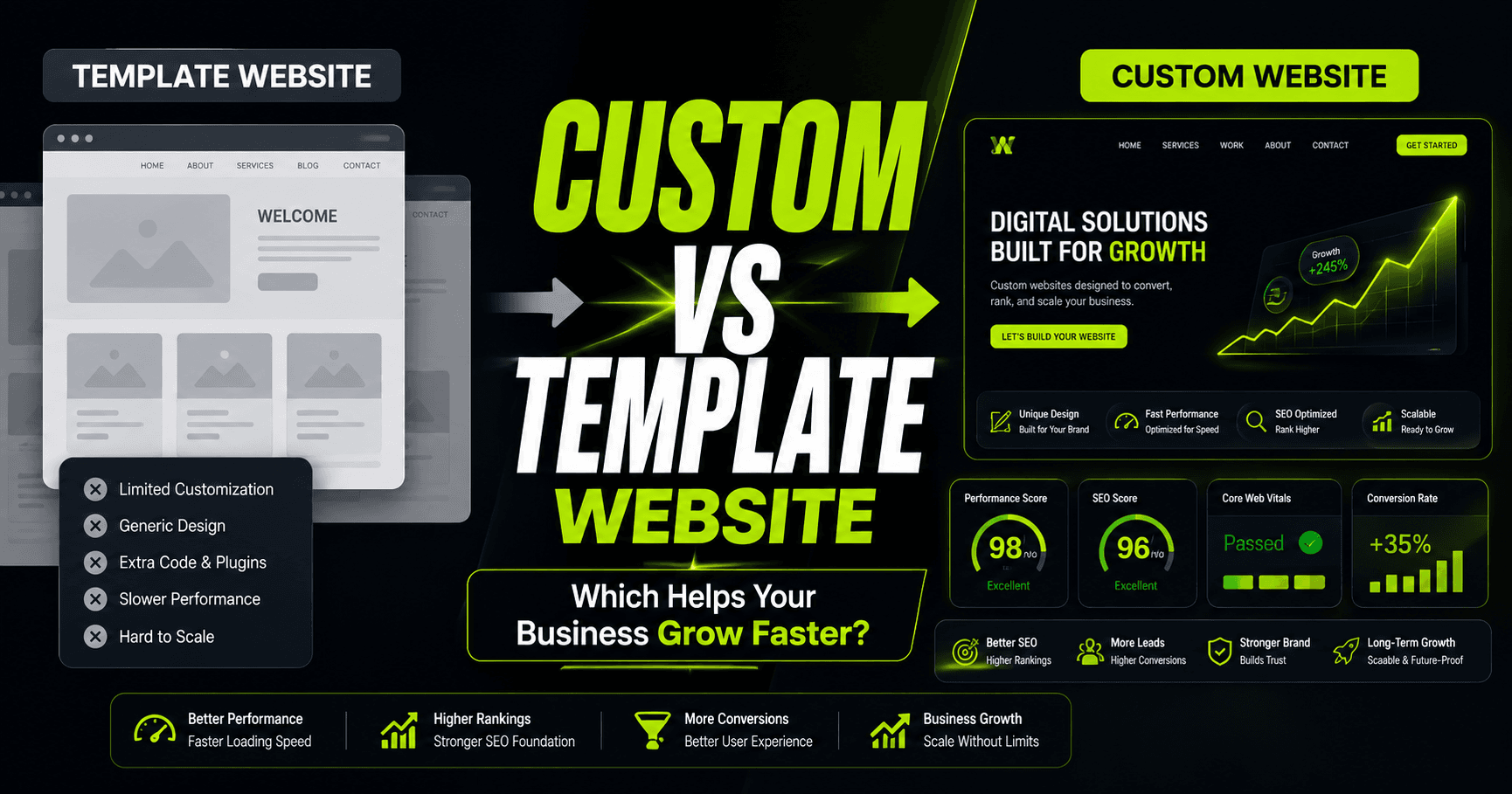
A common question businesses ask is whether a free website builder is enough or if professional web development is worth the investment. The answer depends on your goals.
When a Free Website Builder Makes Sense
A free website builder can be a good option if:
- You need a temporary or personal website
- You’re testing a business idea or MVP
- You don’t need advanced functionality
- SEO and branding are not top priorities
For simple use cases, free builders provide a fast and accessible solution.
When Professional Web Development Is the Better Choice
Professional web development becomes essential when:
- You need a custom-designed website aligned with your brand
- SEO performance is critical for traffic and growth
- Page speed and user experience matter
- You want full ownership and control
- Your website needs to scale with your business
A professionally built WordPress website allows for:
- Clean, optimized code
- Advanced SEO setup
- Custom functionality
- Better performance and security
- Long-term flexibility
From an agency perspective, many businesses start with a free website builder but eventually migrate to WordPress for better results.
Who Should Use a Free Website Builder?
A free website builder is best suited for:
- Personal websites and blogs
- Students and freelancers building a portfolio
- Small projects with limited budgets
- Early-stage startups testing ideas
However, for businesses aiming to grow online, generate leads, or compete in search results, a free website builder is often a short-term solution rather than a long-term strategy.
Limitations of Free Website Builders for Business Websites
While a free website builder can help you get online quickly, it often falls short when used for a serious business website. As your brand grows, these limitations become more noticeable.
Limited Branding and Custom Design
Free website builders restrict access to fonts, layouts, and design elements. This makes it difficult to create a unique brand identity. Many free websites end up looking similar, which can reduce trust and professionalism.
SEO and Search Visibility Challenges
Most free website builders offer only basic SEO settings. Advanced SEO requirements such as:
- Technical SEO optimization
- Page speed improvements
- Schema markup
- Custom URL structures
are either limited or unavailable. This can make it harder for your website to rank competitively in search engines.
Performance and Speed Restrictions
Website speed is a critical ranking and user-experience factor. Free website builders often limit caching, optimization, and server-level controls, which can negatively affect loading times.
Lack of Advanced Functionality
Businesses often need features like:
- Custom forms
- CRM integrations
- Payment gateways
- Membership systems
Free website builders typically restrict or completely block these features unless you upgrade.
Platform Dependency
With free builders, your website is tied to the platform. If the provider changes its pricing, features, or policies, your website is directly affected. Migration can also be difficult.
When Should You Upgrade From a Free Website Builder?
A free website builder works best as a starting point — not a permanent solution. Here are clear signs it’s time to upgrade:
Your Business Is Growing
If your website starts generating traffic, inquiries, or sales, upgrading becomes essential to support performance, SEO, and scalability.
You Need a Custom Domain and Branding
Using a branded domain (e.g., yourbusiness.com) builds credibility and trust. Most free website builders require an upgrade to connect a custom domain.
SEO Becomes a Priority
When organic traffic matters, you’ll need full control over SEO settings, structured data, and performance optimization — something free builders struggle to provide.
You Want Better Design and User Experience
Custom layouts, improved UX, and conversion-focused design are difficult to achieve with free tools alone.
You Need Advanced Features
If your business requires integrations, automation, or custom functionality, a professional WordPress website becomes the smarter option.
Final Verdict: Is a Free Website Builder Worth It?
A free website builder is a great entry-level solution for personal projects, portfolios, or testing ideas. It allows users to launch a website quickly without technical barriers.
However, for businesses focused on growth, branding, and long-term success, free website builders often become limiting. In such cases, transitioning to a professionally developed WordPress website provides better performance, SEO flexibility, and scalability.
At WP Tech Studio, we often help clients migrate from free website builders to fully customized WordPress solutions designed to support real business goals.
If you’re ready to move beyond a free website builder and create a professional WordPress website designed to grow your business, our team at WP Tech Studio can help. We specialize in custom, SEO-friendly, and performance-optimized websites built with WordPress and Elementor. Contact us today to get started.
3 Comments
[…] business owners start with a free website builder before upgrading to a paid e-commerce platform. If that’s your case, you may want to explore this […]
[…] Website builders are great for simple projects, but they are often limited in customization, scalability, and performance. A custom-developed website gives you complete ownership, a unique design tailored to your brand, and the flexibility to grow and adapt as your business evolves. […]
[…] DIY website builders and pre-made themes are excellent starting points, a growing business eventually hits a ceiling. […]